Working remotely from an RV sounds like the dream: laptop open, mountains out the window, no commute except the walk from your bed to the dinette. Plenty of people are doing it right now. Plenty of others tried it, missed a client call on a dead cell signal outside Moab, and drove home.
The difference between those two outcomes has almost nothing to do with the RV. It comes down to internet, routine, and picking the right place to park. Get those three right and the window really can have mountains in it.
Here’s how to set it up so the work holds up.
Can you actually work remotely from an RV?
Yes, with a caveat most people learn the hard way: an RV is a small space that moves, and both of those facts fight against a normal workday.
The space part is manageable. A dinette, a good chair, and a plan for where your monitor lives will get you most of the way there. The moving part is trickier. Every time you relocate, you’re gambling on a new cell tower, a new set of trees between you and the sky, and a new set of quiet hours. Nomads who thrive treat the move itself as the risky part and build slack around it.
So the honest version of the dream is this: work remotely from an RV that stays put for a week or a month at a time, at a spot you’ve vetted for signal. The 3-nights-a-park, always-driving lifestyle makes for great photos and terrible Tuesdays.
Getting reliable internet on the road
This is the whole ballgame. If you only fix one thing, fix your connection, and build it with redundancy so a single dead tower can’t cost you a workday.
Most full-time remote workers run 2 or 3 layers:
Cellular is the workhorse. A dedicated hotspot or a router with a data SIM, ideally on more than one carrier, covers the majority of RV parks and towns. Coverage from a second carrier matters more than raw speed from a single one, because coverage gaps rarely overlap. A signal booster helps at the fringes where you’ve got 1 bar of something.
Satellite is the backstop. Starlink’s roaming plan changed the math for people who park in genuinely remote country. It’s not cheap and it wants a clear view of the sky, so a site under heavy tree cover can choke it. Think of it as insurance for the weeks when cell service lets you down.
Park WiFi is a bonus, not a plan. Campground WiFi is shared across every rig on the property, and it bogs down exactly when you need it (evenings, weekends, holiday weeks). Use it for email and streaming. Don’t stake a video call on it.
If you’re wondering how to get internet in an RV without a computer-science degree, that’s the short version: cellular first, satellite for the gaps, park WiFi for the easy stuff. Test each one the hour you arrive, before you promise anyone you’ll be online.
Building an RV office that works
An RV office setup lives or dies on 3 things: a surface, a seat, and power.
The dinette is the default desk, and it’s fine, but the bench seating will wreck your back by week 2. A real chair earns its floor space. Some nomads pull the dinette entirely and build a small fixed desk with a proper task chair. Others keep a folding setup they can stow before dinner.
For the screen, a portable monitor that runs off USB-C gives you a second display without a second power brick. Mount your laptop on a small riser so the webcam hits you at eye level instead of up your nose. Your future self on a 9 a.m. call will thank you.
Power is the constraint people underestimate. A laptop, a monitor, and a hotspot running 8 hours a day add up, and a lot of RV electrical systems weren’t built for a home office. If you’re staying off-grid, size your battery and solar for the actual draw, not the optimistic version. If you’re at a park with a full hookup, you’ve got shore power and one less thing to worry about, which is a real argument for booking sites with 50-amp service.
Structuring your workday when the office moves
Remote work while traveling falls apart at the edges of the day. The middle takes care of itself. The problems live in the transitions.
Pick your hours and defend them. The temptation to work when it’s convenient turns into working all the time or not at all. A hard start and a hard stop keep the trip a trip.
Watch the time zones. Crossing from Central into Mountain moves every meeting on your calendar and it’s easy to forget until you’re an hour early or an hour late. Set your laptop clock to your team’s zone if that’s simpler than doing the mental math every morning.
Save the driving for after hours or the weekend. A travel day and a work day do not fit in the same 24 hours, no matter how the itinerary looks on paper. The people who last plan their moves for Friday afternoon or Saturday, so Monday starts from a known signal.
Why your basecamp matters more than your rig
You can buy a better hotspot. You can’t buy your way out of a bad spot.
A campground that’s 40 minutes down a dirt road from the nearest town is a beautiful place to burn a vacation and a hard place to hold down a job. The parks that work as remote-work basecamps tend to share a few traits: they’re close enough to a town that cell coverage is solid, they offer monthly or seasonal rates so you’re not repacking every week, and they have somewhere to go when the RV gets small, like a pool, a fitness room, or a lake.
That last one matters more than it sounds. Cabin fever is real when your bedroom, office, and kitchen are the same 200 square feet. A place to walk, swim, or shoot pool at 5 p.m. is what makes the setup sustainable past a month.
5 RJourney parks that make solid remote-work basecamps
We run parks across the country, and some of them fit the remote-work profile better than others. These 5 pair reliable town-adjacent coverage with WiFi, extended-stay rates, and enough on-site space to keep you sane. Every one offers monthly and seasonal sites, so you can settle in for a real stretch.
Cedar City RV Resort, Utah. Cedar City is a university town off I-15, which means solid connectivity and a real grocery store, plus Bryce, Zion, and the Coral Pink Sand Dunes all inside a weekend’s reach. There’s a swimming pool for the afternoon reset. Good pick if you want national parks on Saturday and a video call that holds on Monday.
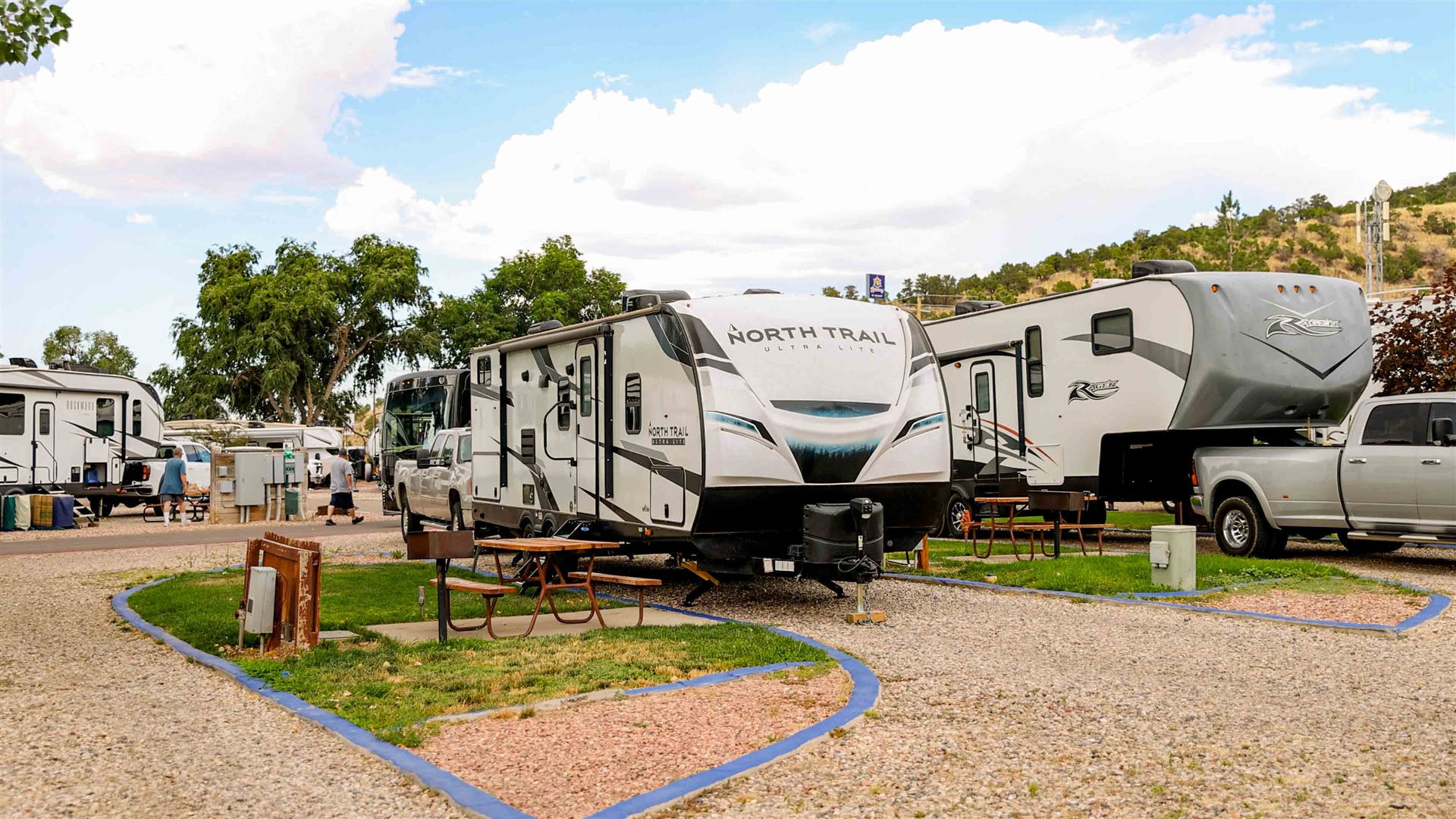
Laramie RV Resort, Wyoming. Another college town (University of Wyoming), so the signal and the coffee are both handled. The park has a fitness center and a game room, which is exactly the kind of get-out-of-the-rig space that keeps a long stay from wearing thin. High-plains quiet, granite and Vedauwoo close by for the weekends.
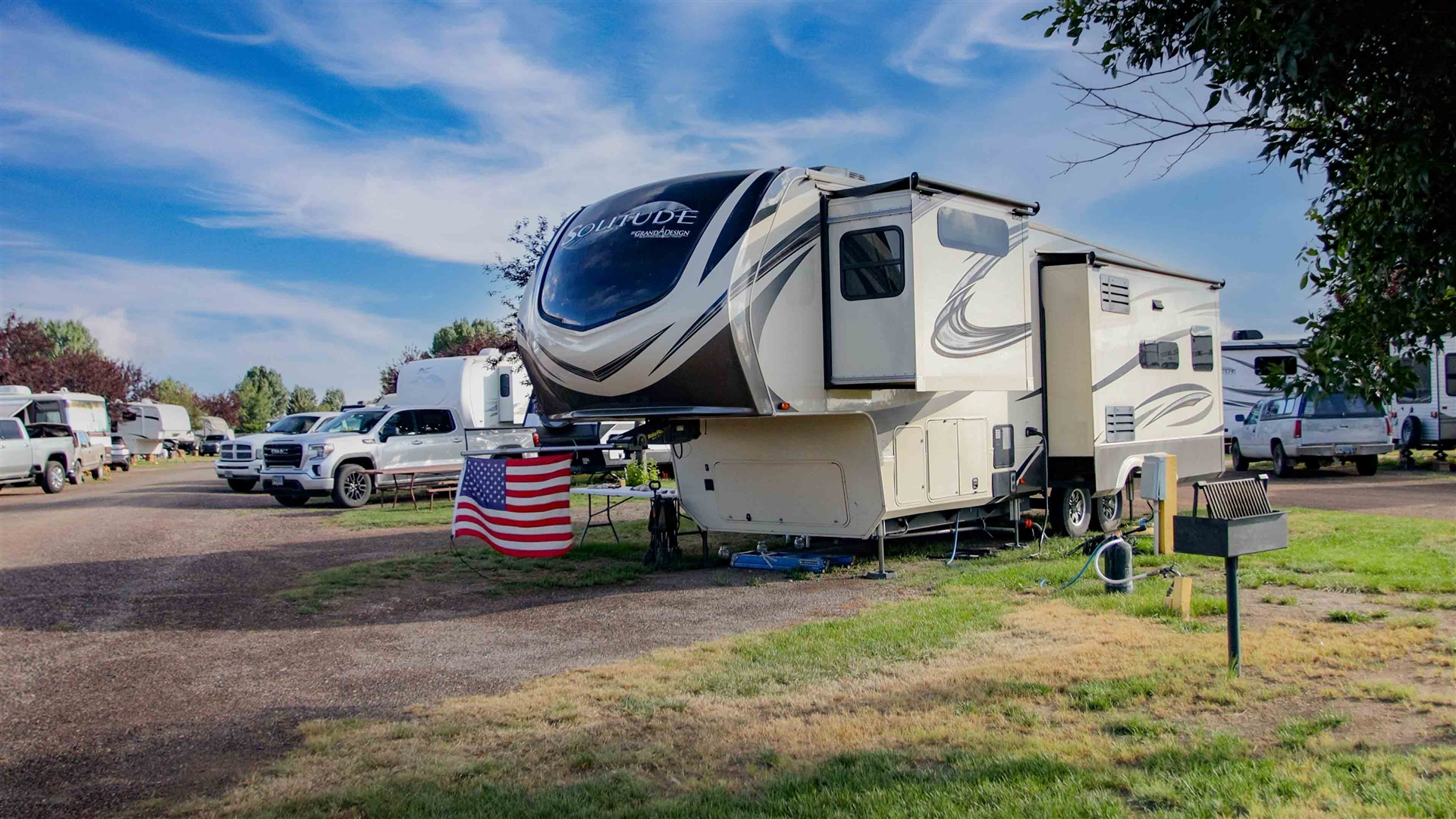
Clarksville RV Resort, Tennessee. Sits between Fort Campbell and Nashville, so you get town infrastructure and a real city day-trip an hour south. Swimming pool on site, 22 amenities and activities total, and enough around town (Dunbar Cave, the Customs House Museum, the riverfront) to fill your off-hours without driving far.
Lake Conroe RV Campground, Texas. Warm winters, Houston metro coverage, and the lake out front for boating and fishing when the workday’s done. A strong choice for snowbird remote workers who’d rather ride out January somewhere the pipes won’t freeze.
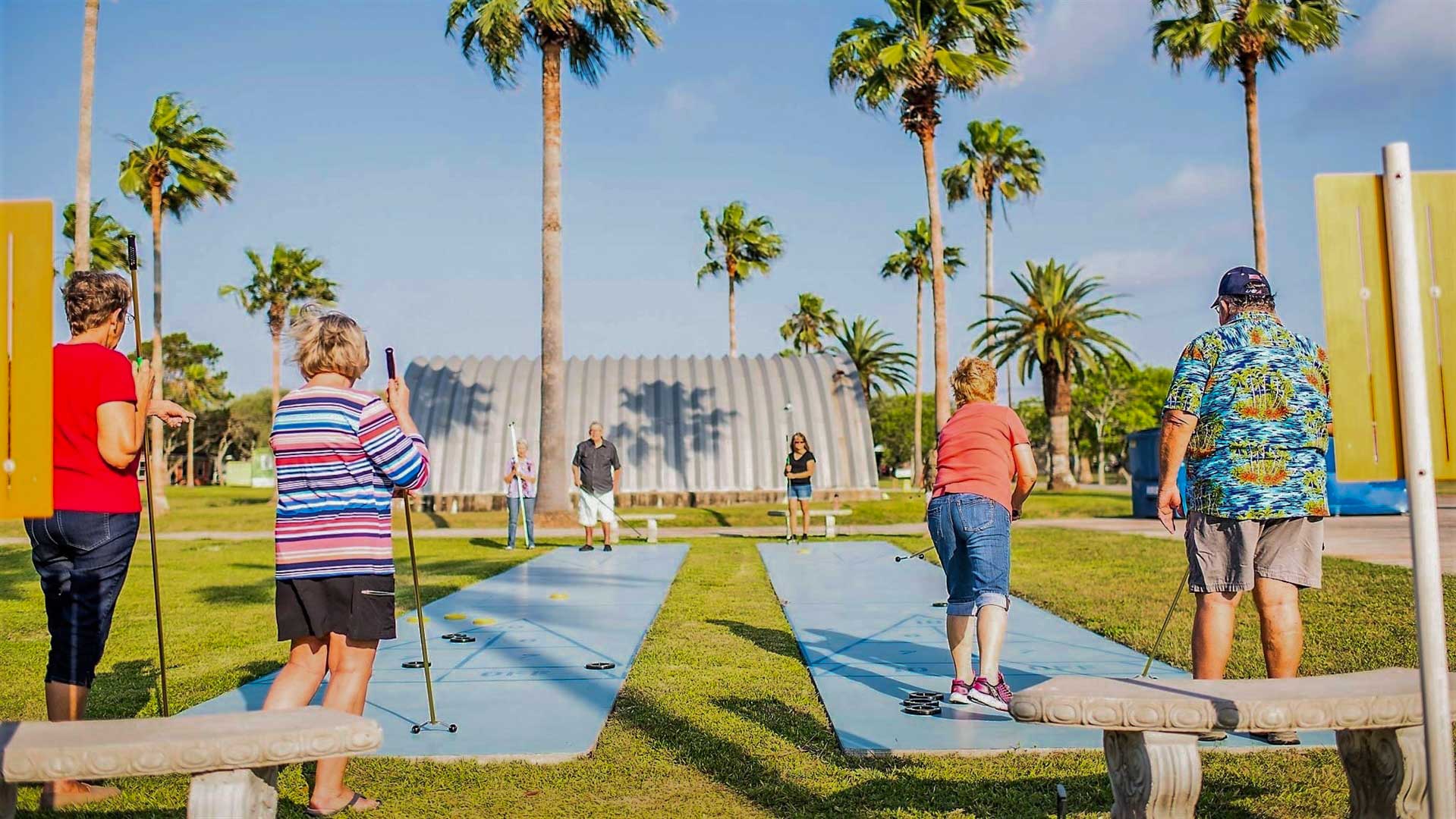
Rockport RV Resort, Texas. Gulf Coast, mild off-season, and a clubhouse plus billiards for the days you need a change of scenery from the dinette. Rockport’s a working coastal town, so groceries, marinas, and a decent signal are all close. Snowbird-friendly and quiet once the summer crowd thins out.
Managing the money and the monthly stays
Monthly rates are the lever that makes this work financially. A site booked by the night for 30 days will cost you a small fortune. The same site on a monthly or seasonal rate often runs a fraction of that, and every one of the parks above offers extended-stay pricing for exactly this reason.
Staying put for a month does more than save money. It’s what lets you learn the good coffee spot, find the trail you actually like, and stop treating every day as a logistics problem. It also means you test your signal once and then trust it, instead of re-gambling every 3 nights.
Budget for the internet stack honestly. Between a couple of cellular lines and a satellite backstop, connectivity can run more than your monthly site fee. It’s the cost of the office, and it’s a lot cheaper than the alternative of missing work.
A few honest expectations before you go
Some weeks the signal will let you down and you’ll drive to a coffee shop or the campground clubhouse to make a deadline. Some sites won’t have the sky Starlink wants. Sometimes the beautiful remote spot and the reliable-work spot are two different places, and you’ll have to choose.
None of that breaks the dream. It just means the people who make working remotely from an RV look easy are the ones who planned for the hard parts: redundant internet, a real chair, defended work hours, and a basecamp close enough to town that the job holds while the view does the rest.
Pick the spot, settle in for a month, and let the horizon stay open past this one.
Ready to set up a basecamp? Check availability and monthly rates at Cedar City, Laramie, Clarksville, Lake Conroe, or Rockport, or browse the full RJourney network at rjourney.com/parks.